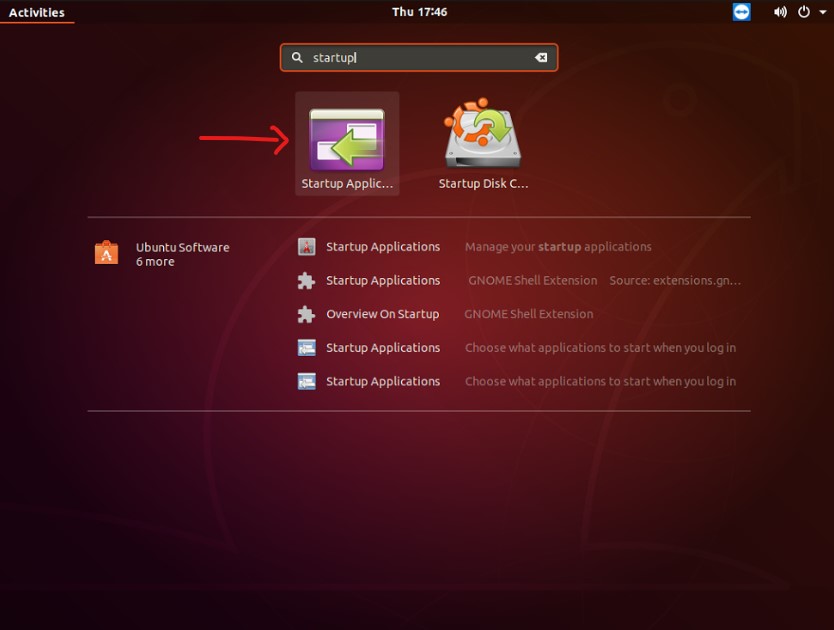
- Search “Startup Application”
- Click/Open “Startup Application”
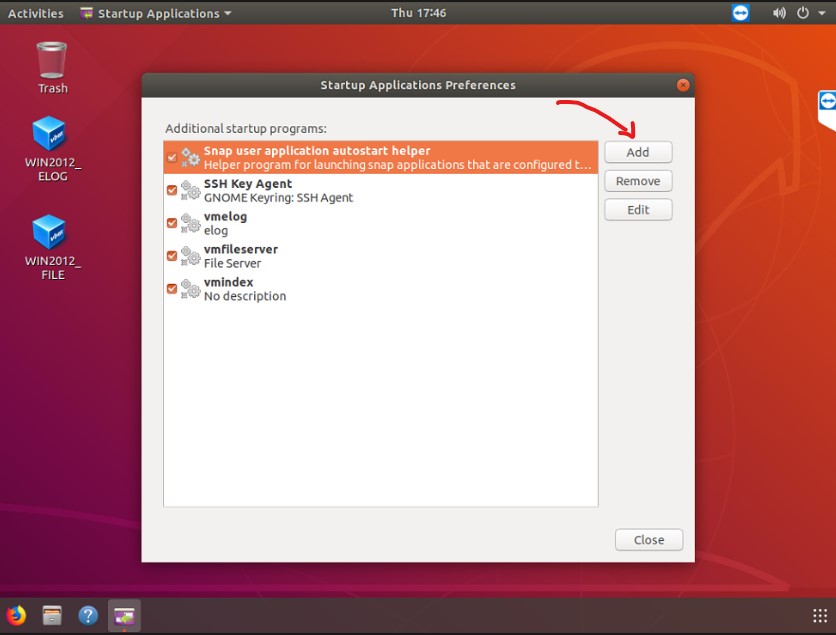
- Click “Add” Button to add new startup program
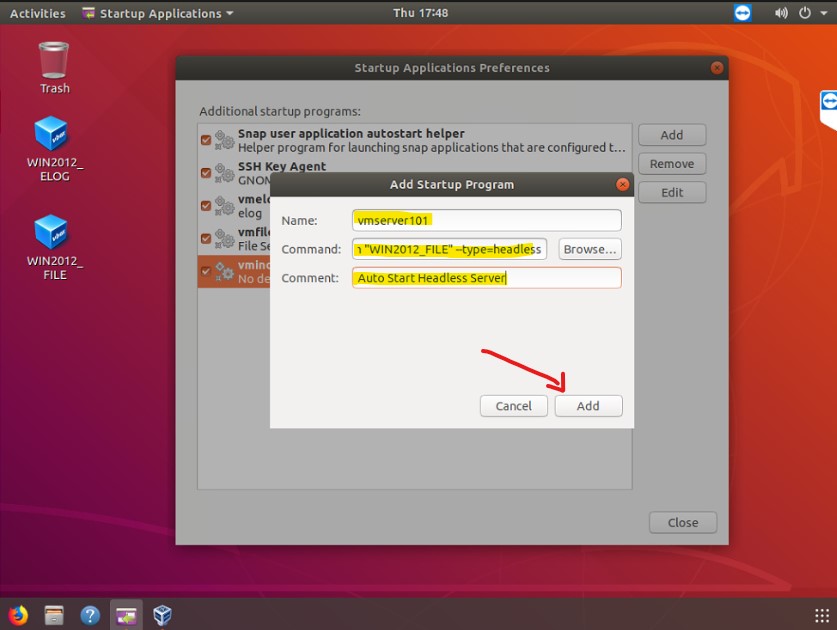
- Enter a relevant “Name:”, e.g. vmserver101
- Enter “Command:” to execute, e.g. VBoxManage startvm “WIN2012_FILE” –type=headless
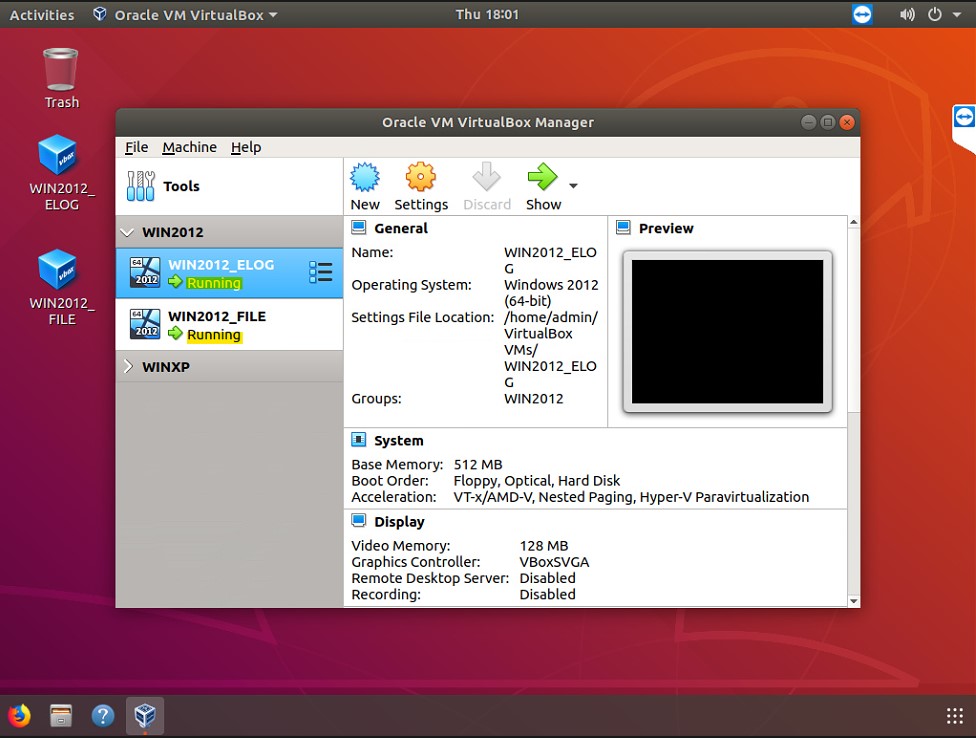
- reboot the system and check if the VMs are up and running.
 i102TeK